
KNOWLEDGE BASE

Data Migration When Changing Software

The Troyee Clean Slate Method
img1

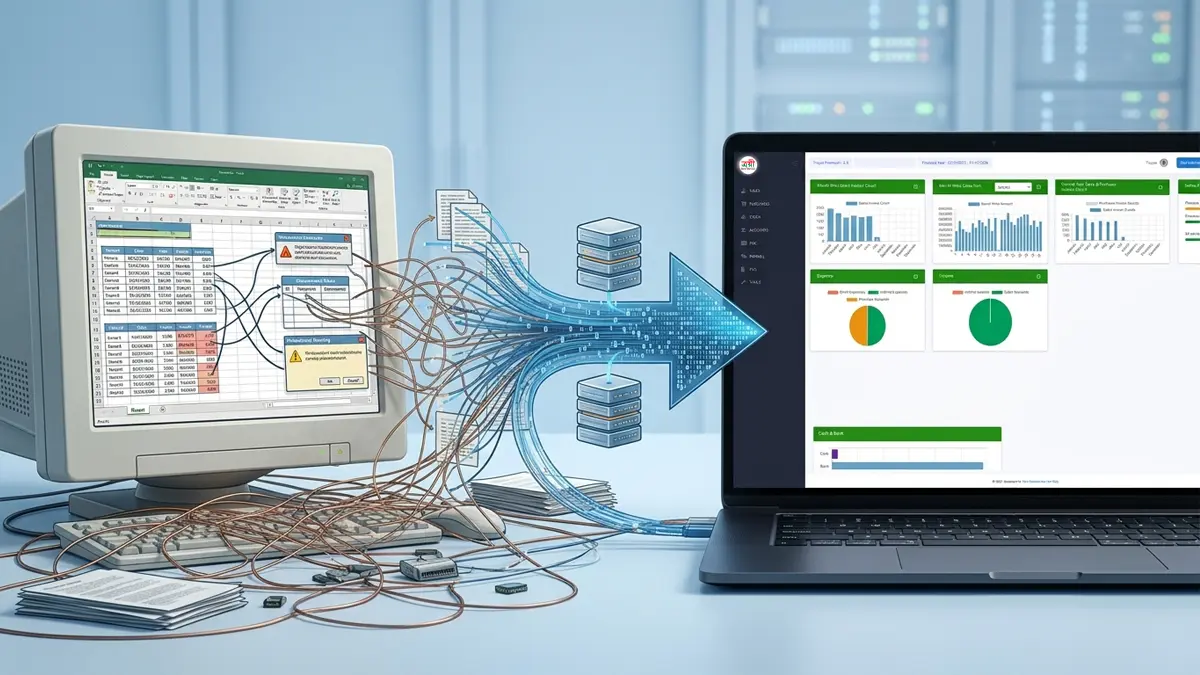
Changing business software is rarely just a matter of installing a new application. The difficult part is maintaining reliable business information while adapting the new system to the way the organization actually operates.

“Data Migration Myth”—the false promise that one can simply click a button and move years of potentially messy data into a new system perfectly.

By being honest about the “impossible” nature of direct exports and focusing on a Clean Start via MS-Excel and a specific Cut-off Date, the Troyee Team aren’t just selling software; they are selling a Clean Slate.

Here are the 5 Strategic Checkpoints tailored to Troyee’s unique, honest, and innovative methodology:

1. The “Data Cleanliness” Reality Check

Don’t be fooled by promises of “automatic data migration.” In reality, moving old, erroneous transactions into a new system often carries over old mistakes.

  • The Troyee Way: We focus on the Master Data. If your existing software won’t export it, we help you extract or prepare it in a predefined MS-Excel format. This ensures that your Customers, Suppliers, and Stock Items are 100% accurate before the first transaction even happens.

2. The Power of the “Cut-off Date”

Many businesses fail because they try to “sync” old history while starting new work, leading to massive reconciliation errors.

  • The Troyee Way: We establish a firm Cut-off Date. We import your clean Master Data and Opening Balances into our software, allowing you to start fresh. It is much faster and more accurate to record new entries than to spend months correcting old, imported errors.

3. Verification through Live Evidence

Sales pitches often hide the “Huge Errors” that appear during implementation.

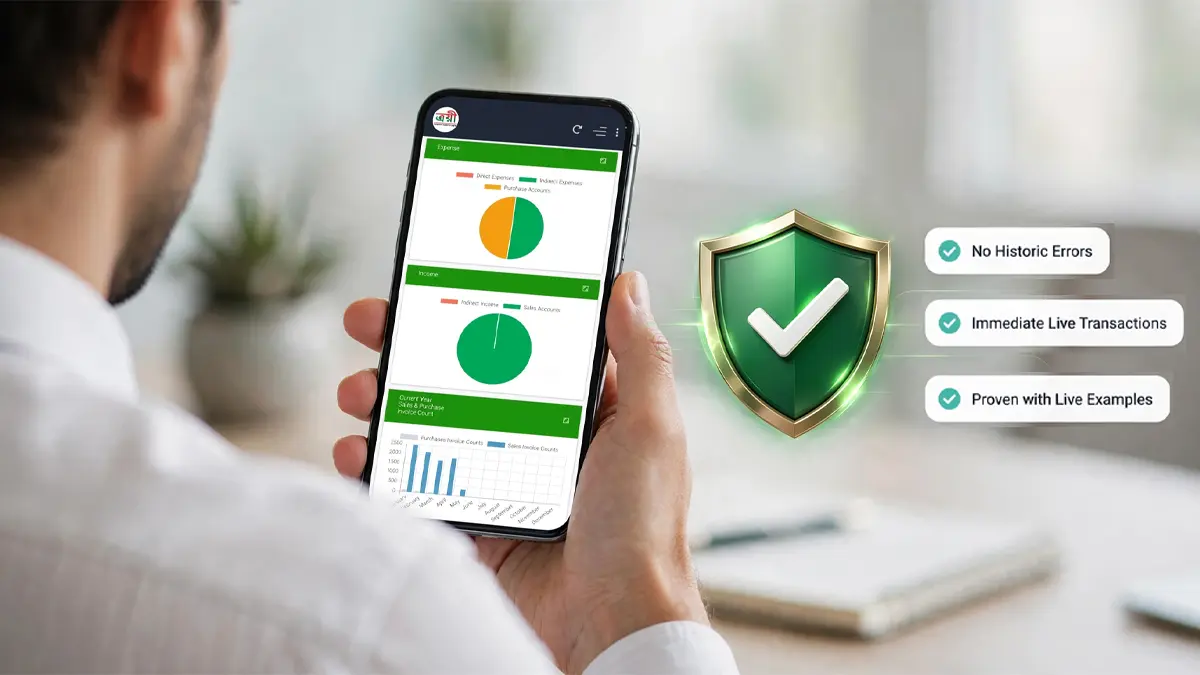
  • The Troyee Way: We don’t just tell you it works; we show you the facts with live examples. We demonstrate how the import works and how the system behaves under your specific business norms before you commit. Transparency is our core value.

4. Configuration over Correlation

Generic software tries to “correlate” its fixed structure to your business. If the business changes, the software breaks.

  • The Troyee Way: Once the Master Data is in, we arrange the Configuration specifically to your business operation norms. Whether it’s specific inventory categories or production flows, the software is molded to the business, not the other way around.

5. Transitioning with an SOP (Standard Operating Procedure)

Software alone doesn’t manage a business; people and processes do.

  • The Troyee Way: Our “Magic” isn’t just the import; it’s the SOP and Training. We don’t consider the job done until your users are trained and a clear Standard Operating Procedure is set for live transactions. This ensures the “Speed of Implementation” isn’t just fast, but sustainable.

“Clean Start” Concept: “Stop trying to fix the past. Start building the future with Troyee’s Clean-Slate Implementation Methodology.”

“Most software transitions fail because they try to move ‘garbage in’ to get ‘garbage out.’ We found a better, faster, and more honest way. No more ‘Export Errors.’ Just a clean start, a predefined Excel format, and a live system in record time.”

The Goal

Clean Data

Controlled Transition

Confident Go-Live

BEFORE YOU SWITCH

5 Things to Check before Switching from "One-size-fits-all" or "Unmodifiable" Software

When a business outgrows "off-the-shelf" software, the transition is a high-stakes move. To ensure your next choice provides long-term ROI rather than a new set of limitations, here are 5 professional checkpoints to evaluate before making the switch.

1.

Data Portability & Historical Continuity

Many “one-size-fits-all” systems make it difficult to extract your data in a clean, usable format. Before switching, verify if the new provider has a proven methodology for Data Migration.

The Check: Can they migrate your last 3–5 years of ledger balances and inventory closing without corruption? A professional house should offer a seamless “Data Conversion” service so you don’t start from zero.

2.

The "Hard-Coded" vs. "Custom-Add-on" Architecture

Standard software is often “hard-coded,” meaning you cannot change a report format or a calculation logic without waiting for a global update.

The Check: Does the software allow for Custom Add-ons at the entry or report level? You need a system that offers a stable “Core” while allowing unique “Extensions” specifically designed for your specific business workflow.

3.

Localization & Compliance Depth

International or generic software often treats local taxes (like NBR VAT requirements in Bangladesh) as an afterthought or a “patch.”

The Check: Is the software natively designed for local compliance? For example, check if it generates NBR-mandated forms (6.3, 9.1) automatically from daily transactions. If you have to use a separate “bridge” software for VAT, you are doubling your risk of error.

4.

Implementation Speed vs. Remote Support

A common trap is buying a sophisticated system that takes a year to implement because the support is purely remote or handled by third-party agents who don’t understand your domain.

The Check: Does the provider offer On-site Implementation and a dedicated domain expert? Speed of implementation is the true measure of a software house’s capability. If they can’t map your business logic on-site, the project will likely stall.

5.

Scalability Beyond the "Starter" Phase

Your software should be a “forever home” for your data. Many systems work fine for small volumes but crash or slow down as your transaction count reaches the hundreds of thousands.

The Check: Does the product offer a clear upgrade path (e.g., from Standard to Enterprise or Premium editions)? Ensure the architecture (SQL/Web-based) is robust enough to handle high-concurrency and multiple branch locations without lag.

“At Troyee, we don't just sell software; we provide the answers to these 5 critical checks through our Simple, Reliable, and Flexible architecture and our Unique Implementation Methodology."

THE REALITY GAP

What a salesperson promised vs. what actually happened during the migration

It’s very common and major headache how to maintain historical continuity. In fact, most businesses who have changed or switched software before probably relate more to "trauma" than a "smooth transition.
"Based on the common frustrations business owners face in Bangladesh, here are the "real-world" reasons why your experience might be a struggle

The "Clean Slate" Trap (Data Loss)

Usually, the new provider says, “Just give us your closing balances.” But in reality, you lose all your historical transaction trends. You find yourself needing to keep the old, “broken” software running just to check records from two years ago.

The Implementation "Black Hole"

Many companies sell the software and then disappear. You’re left with a “Standard” version that doesn’t understand your specific industry logic (like how you handle your particular manufacturing waste or specific service billing). You end up spending months trying to force your business into their box.

The "Hidden" Customization Costs

A provider might say, “Yes, it’s flexible,” but then they charge an arm and a leg for every small change to a report or a customized invoice layout. Flexibility exists, but it’s locked behind a paywall.

Staff Resistance

Even if the software is great, if it’s too complex, the people actually doing the data entry (the accountants or floor managers) hate it. If the UI is “unmodifiable” or too rigid, they start keeping manual “side-books,” and your digital transition fails.

How Troyee addresses this "Different" Experience:

This is exactly why you emphasize "On-Site Implementation" and "Custom Add-ons.
"We don't just "install": We map. We don't want you to have that "bad experience" again. Because we've been in the Bangladesh market for 25 years, we likely already know the specific problem that made your last switch difficult.

How We Work: Our Unique & Innovative Implementation & Transition Methodology.

Let’s visualize: As the process turns a complex, error-prone headache into something structured and "magical," a clear, step-by-step visual presentation is essential. It shows transparency and would build immense trust by seeing exactly how we protect Clients from failure.

The "Problem"
Why Standard Data Migration Fails (The Nightmare of 'Export/Import Errors')"

img2

The "Troyee Solution"
"The Troyee Clean Slate Method: Fast, Reliable, and Fact-Based"

Step 1

Extract & Master (মাস্টার ডাটা প্রস্তুতি)

We help you extract or prepare your existing Master Data—Suppliers, Customers, Stock Items, Assets—in a clean, predefined MS-Excel format.

Step 2

Import on Cut-off Date (কাস্টম কাট-অফ ডেট)

From a chosen firm cut-off date, we instantly import your clean Master Data and Opening Balances into Troyee. No historic errors are carried over.

Step 3

Business Norms Configuration (অপারেশনাল কনফিগারেশন)

We configure Troyee to perfectly match your unique business operation norms—from inventory workflows to production logic.

Step 4

SOP & Training (এসওপি ও ইউজার ট্রেনিং)

We set the Standard Operating Procedures (SOP) and train your team, ensuring everyone is confident before going live.

Step

Go LIVE (লাইভ ট্রানজ্যাকশন শুরু)

You are ready for accurate, real-time live transactions! A clean beginning with a robust system.

The Result
"Fact-Based Confidence. Zero Regret."
img3